
A smoother top edge is coming to Tulip Talk on Android
By Tulip Talk Team ·
You might prefer dark mode in Tulip Talk while keeping your phone in light mode. Today, that can leave a bright strip around the clock and battery above the dark app. It looks like two screens joined together.
We are preparing an Android update that gives its system bars the colours of the theme you choose inside Tulip Talk. The status bar at the top will follow the app theme, while the clock and battery icons remain readable. The bar around the gesture or navigation controls at the bottom will follow where your Android version supports it. Switch the app theme, and the bars will switch with it.
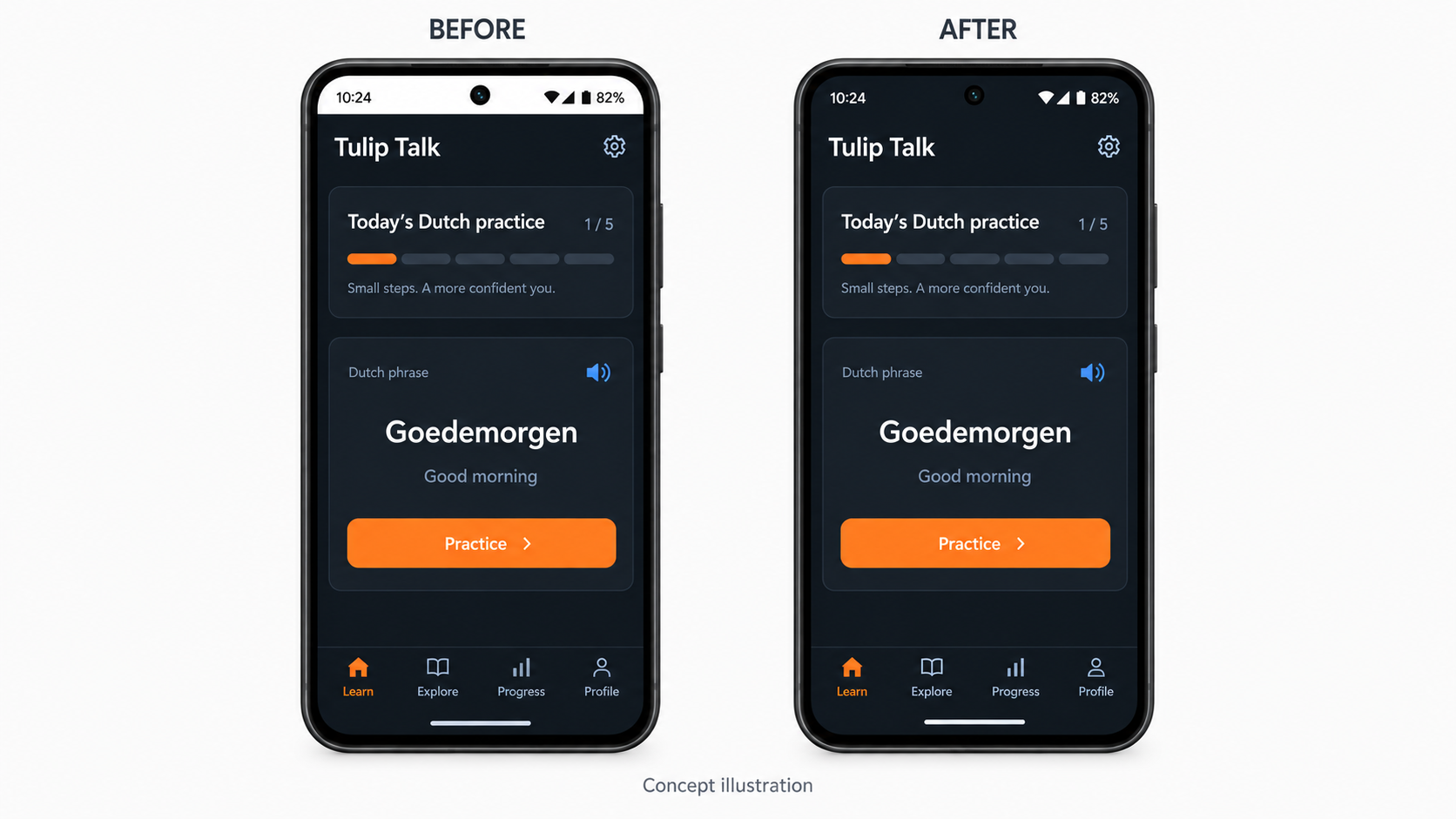
The image is a concept illustration, not a screenshot from a tested device. It focuses on the one visible difference at the top; your lessons and practice will stay the same.
We are checking this change on Android devices before releasing an update through Google Play. The website already follows your browser and app theme settings; its appearance is unchanged. We will update this post when the Android release is available.
Practise this, don't just read it
Tulip Talk turns Dutch grammar into CEFR-laddered practice — sentence building, pronunciation with reference audio, and exam simulations. Free to start.